
Read it in place
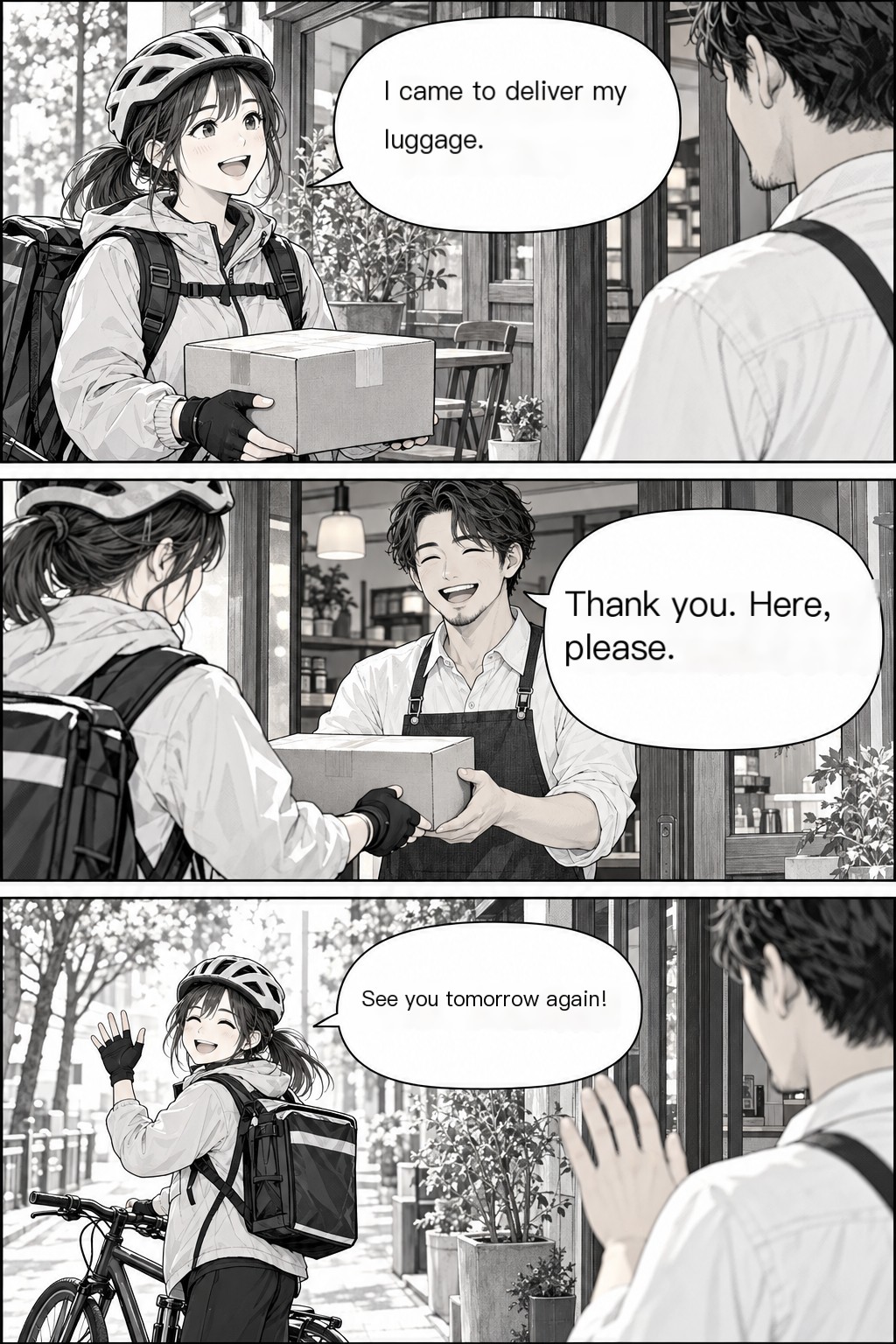
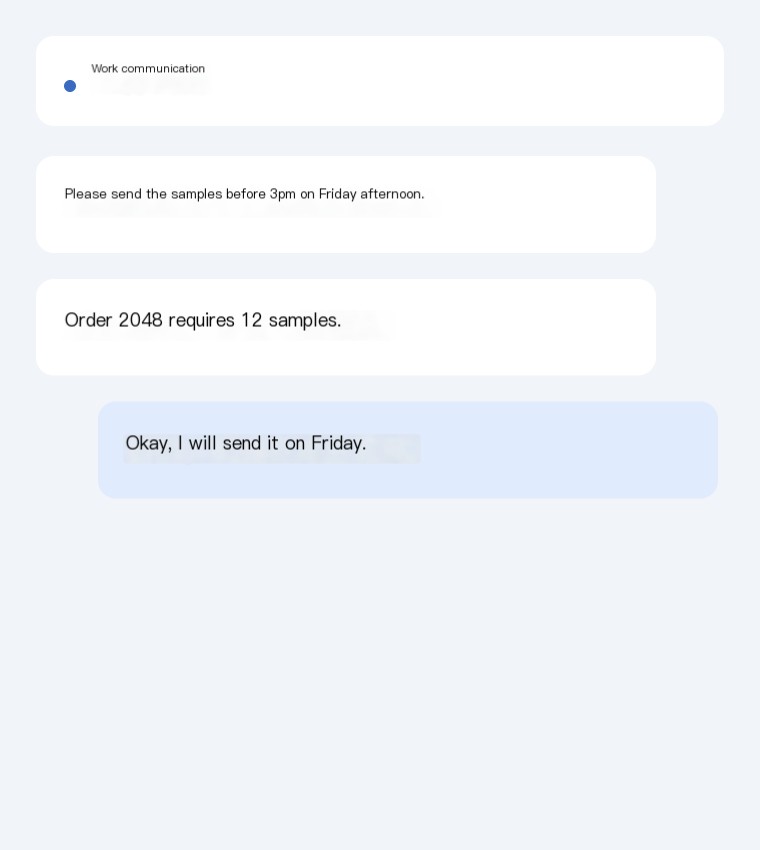
See translated text on the image rather than rebuilding a conversation from a separate text box. Open the full-size result when you want a closer look at the wording or surrounding visual context.
Manga & comics
Read a chapter with our manga translator. Upload pages or a ZIP, keep them in order and follow the translated speech bubbles.
Your next read. Your next conversation. Your language.
Your translation workspace
Use your available credits to try a translation. Sign in to see your balance. One standard image translation uses one credit.
Manga & comics
Follow the conversation from one speech bubble to the next. Use our manga image translator for Japanese manga, Korean comics and other illustrated stories. Upload pages or a ZIP, keep them in natural page order and open the translated pages in the reader. Check a page before translating the rest of a chapter, then download the finished images together. The original stays available for comparison, so you can return to the artwork whenever you want.
See translated text on the image rather than rebuilding a conversation from a separate text box. Open the full-size result when you want a closer look at the wording or surrounding visual context.
Compare the original and translation, copy recognized text and adjust a translated phrase. Download a locally edited image when a quick correction helps; the editor uses white text boxes and leaves the standard result available.
Save a single translated image or download completed batch results as a ZIP. Choose a screenshot for a quick message, a reader for a chapter or a batch for a larger collection.
THREE STEPS, ONE LESS LANGUAGE BARRIER
Upload manga pages or a ZIP. Numbered filenames help keep the natural page order clear, from the first panel to the last page.
Choose your reading language and translate one page first. When the result suits your chapter, continue with the remaining pages.
Open completed pages in the reader, move between pages and return to the original when needed. Download your translated collection.
A CHAPTER TODAY. A HABIT TOMORROW.
Try a translation with your available credits before choosing a larger purchase. A standard image translation uses one credit. One-time packs suit a folder, a chapter or an occasional project, while subscriptions suit people who translate images regularly. The image translator uses the same standard engine across these plans: choose by the volume and billing arrangement that fit your work. Visit pricing for current amounts, included credits and subscription periods.
Select Japanese as the source and English or Korean as the target in the manga tool. You can upload sequential pages, read completed results online and download a translated collection.
Use numbered filenames such as 001.png, 002.png and 010.png. ZIP images are naturally sorted, and the reader follows the displayed page order. Preview your collection before starting the rest of the chapter.
Yes. Open the recognized text or translation editor after a result completes. You can copy the wording, change a phrase and export an edited image using white text boxes. Your standard translated result remains available separately.
Use JPG, PNG or WEBP, with an upload limit of 10MB per image. Larger inputs may be normalized before processing. The batch and manga tools also accept ZIP archives containing supported images.
Read a chapter with our manga translator. Upload pages or a ZIP, keep them in order and follow the translated speech bubbles.