A conversation, a comic, a whole folder of images. Make it yours in another language. Our image translator turns text inside your pictures into a translated image you can read, refine and share.
Upload a JPG, PNG or WEBP, choose your target language and translate text in images without retyping it. Start with one picture, explore the result, then choose the right workflow for the rest of your task. Your available account credits appear after sign-in.
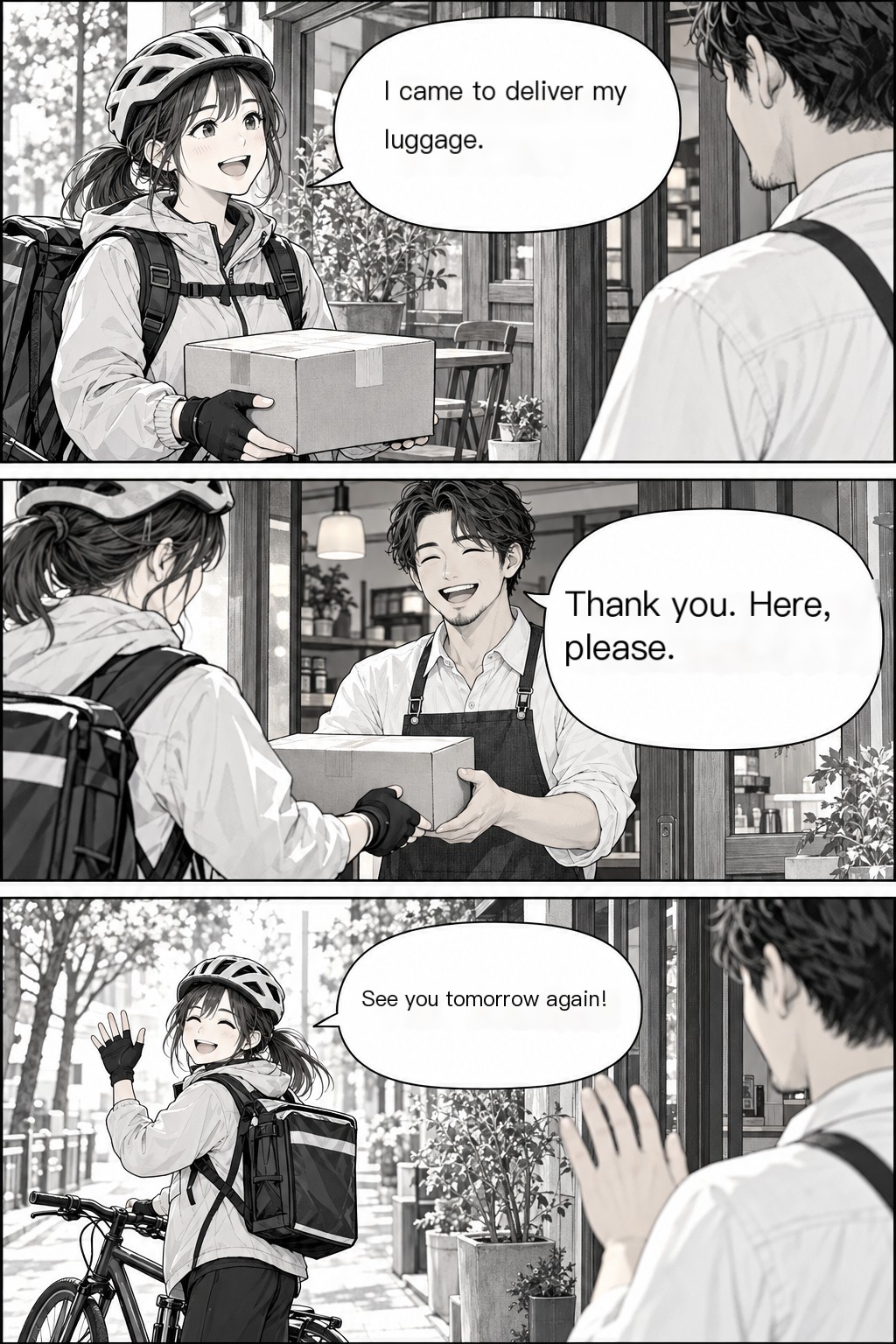
Follow the conversation from one speech bubble to the next. Use our manga image translator for Japanese manga, Korean comics and other illustrated stories. Upload pages or a ZIP, keep them in natural page order and open the translated pages in the reader. Check a page before translating the rest of a chapter, then download the finished images together. The original stays available for comparison, so you can return to the artwork whenever you want.
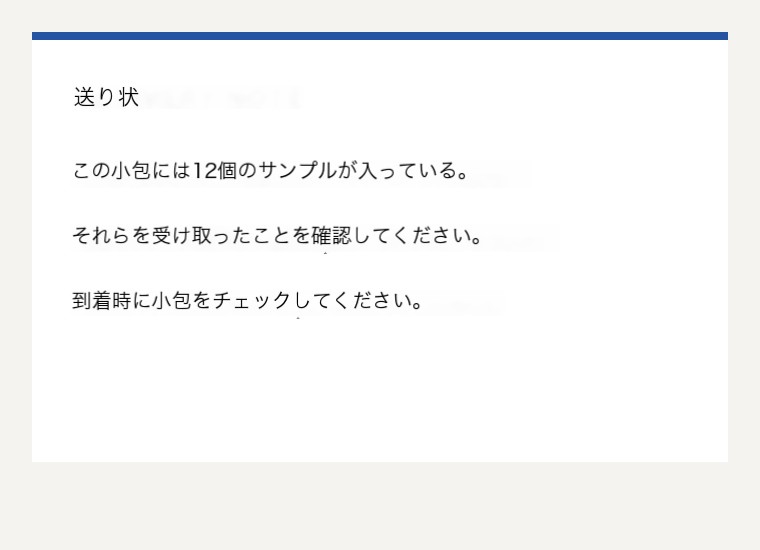
Some jobs arrive as a folder rather than a single picture. The batch image translator accepts up to 200 images, including images inside a ZIP archive. Try one first, continue with the remaining pictures and keep completed results together. It is a practical workflow for instructions, study notes, reference images and collections of screenshots. Download a ZIP instead of saving every image separately, and use the per-image status to see which results are ready.
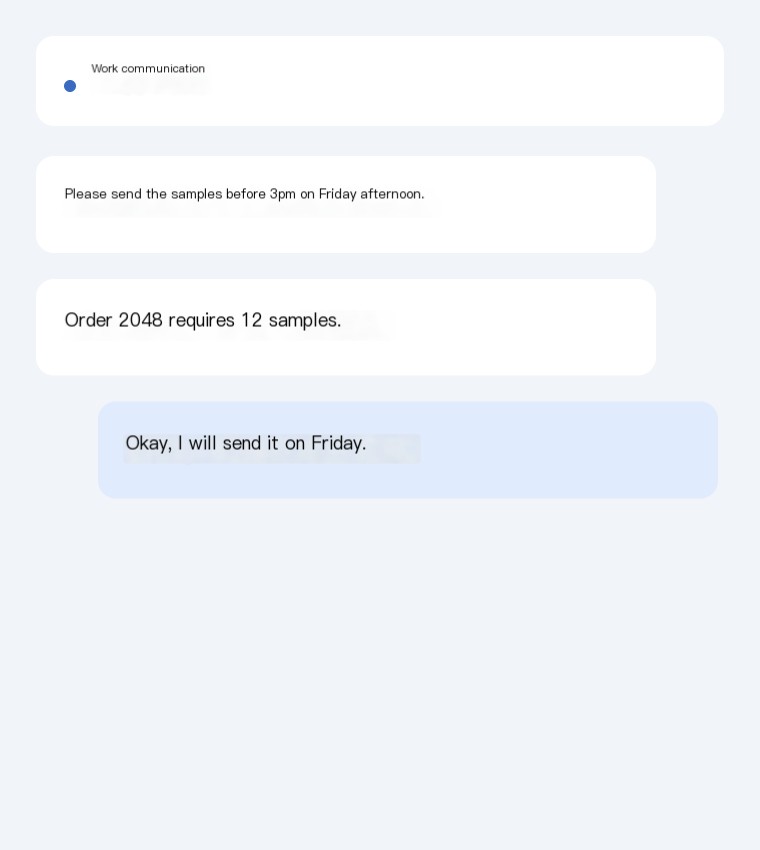
Bring a work conversation, a shared announcement or an unfamiliar app screen into your language. Paste a screenshot directly into the page or upload several images. Our screenshot image translator gives you both a translated picture and recognized text, so you can read the conversation in place or copy the words into your next reply. Check names, dates and quantities in the result, make a quick text correction when needed and keep the useful part of the conversation moving.
A useful image translator helps you finish the task after the text has been recognized. Move between the picture, the words and the file you need to take away.
Read it in place
See translated text on the image rather than rebuilding a conversation from a separate text box. Open the full-size result when you want a closer look at the wording or surrounding visual context.
Make it your own
Compare the original and translation, copy recognized text and adjust a translated phrase. Download a locally edited image when a quick correction helps; the editor uses white text boxes and leaves the standard result available.
Take the result with you
Save a single translated image or download completed batch results as a ZIP. Choose a screenshot for a quick message, a reader for a chapter or a batch for a larger collection.
THREE STEPS, ONE LESS LANGUAGE BARRIER
How to translate an image online
01
Bring your image
Upload a clear picture, paste a screenshot or open a batch of images. JPG, PNG and WEBP are supported, up to 10MB per uploaded image. For longer collections, choose the batch or manga tool.
02
Choose your language
Use source-language detection or select the language yourself, then choose the language you want to read. Your last target-language selection is remembered to make repeated tasks easier.
03
Read, refine, download
Translate one image, inspect the result and copy or download what you need. If you have a larger job, check the first result before continuing with the remaining images.
FAMILIAR WORDS. NEW POSSIBILITIES.
From Japanese manga to a French conversation.
Translate image text across the supported source and target languages, including English, Chinese, Japanese, Korean, French, Spanish, German, Portuguese and Russian. Common tasks include reading Japanese comics in English, following Chinese conversations in Korean and translating English screenshots into French or Spanish. Select the available language pair in the tool; the example labels always show the direction actually used. For photos, start with text that is sharp, well lit and large enough to read.
Try a translation with your available credits before choosing a larger purchase. A standard image translation uses one credit. One-time packs suit a folder, a chapter or an occasional project, while subscriptions suit people who translate images regularly. The image translator uses the same standard engine across these plans: choose by the volume and billing arrangement that fit your work. Visit pricing for current amounts, included credits and subscription periods.
Discover the TranslateImg Chrome extension for image translation while browsing. Check the current store listing for supported features, permissions and browser compatibility. For multi-image jobs, page-by-page reading and downloadable collections, the online batch and manga tools are ready here whenever you need them.
An image translator recognizes text inside a picture, translates it into another language and returns a result you can read. TranslateImg also exposes recognized text for copying and provides dedicated workflows for manga, screenshots and batches.
Sign in to see the credits currently available to your account. You can try an image with those credits before buying a pack or subscription. Each standard image translation uses one credit; available offers and balances are shown in your account and on pricing.
PricingHow do I translate text in images without typing it out?
Upload the picture or paste a screenshot, select a target language and start translation. The tool recognizes the image text for you. Clear, readable text gives the service a better starting point than small or blurred lettering.
Yes. Choose the batch image translator for up to 200 images, including ZIP uploads. Translate one to check the result, continue through the collection and download completed images together.
Select Japanese as the source and English or Korean as the target in the manga tool. You can upload sequential pages, read completed results online and download a translated collection.
Yes. Open the recognized text or translation editor after a result completes. You can copy the wording, change a phrase and export an edited image using white text boxes. Your standard translated result remains available separately.
Use JPG, PNG or WEBP, with an upload limit of 10MB per image. Larger inputs may be normalized before processing. The batch and manga tools also accept ZIP archives containing supported images.
Images and their text are sent to the services needed to process your translation. Use images you have permission to upload, and see the privacy policy for processing, retention and deletion requests.
The batch view shows the status of each image. Keep completed results and retry the remaining images. You do not need to discard a useful collection because one picture needs another attempt.